
AI Background Changer
AI Background Changer
Change the background of a photo by describing the replacement. This AI background changer paints a new color, a new scene, or a soft blur behind your subject while the person or product in front stays put. Free to start, no watermark on downloads.
 BeforeAfter
What an AI Background Changer Does
An AI background changer swaps the backdrop behind your subject for a new one instead of erasing it. The replacement can be a solid color, a scene described in a text prompt, or an image attached as a reference. Nothing gets cut out, and nothing lands on a checkerboard. To change the background of a photo with AI, you write one sentence. The model handles the selection, the edges, and the light.
The close cousin here is removal: cutting the subject out to a transparent PNG for marketplaces and design files. GlowArt has a dedicated page to remove the background for a transparent PNG. This page covers the other intent: the new backdrop. The swap runs in the prompt-based AI photo editor. The edit has gone mainstream: Adobe Express's free AI background changer is one sign of how standard it has become.

How to Change the Background of a Picture with AI: 3 Steps
Upload, describe, download. The AI background changer runs the whole edit in your browser.
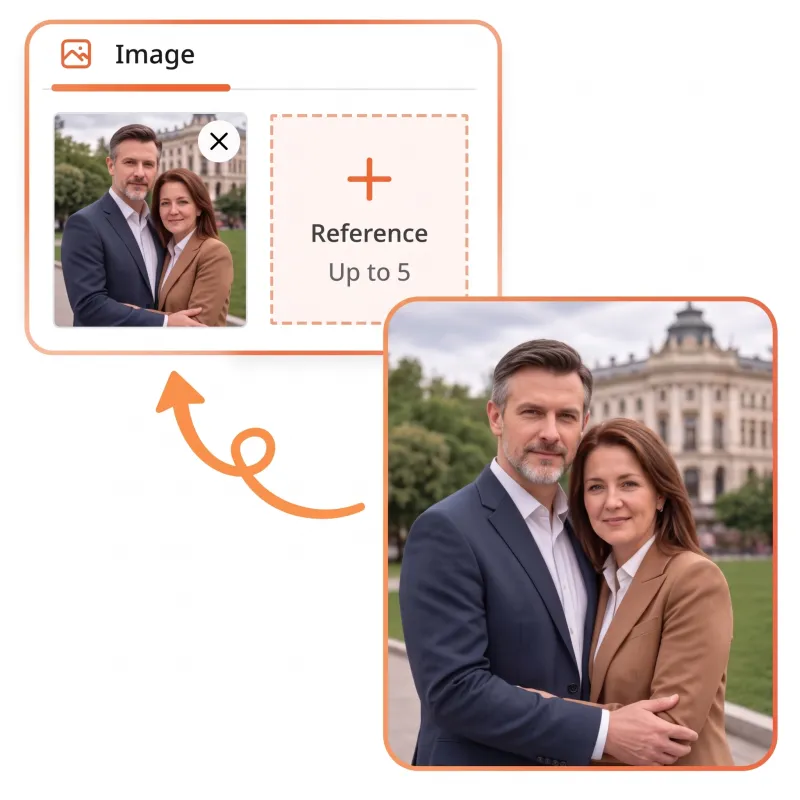
Step 1: Upload your photo
Drop the photo into the editor or pick it from your device. Files up to 10 MB open in the browser, and no account is needed to start. A sharp, well-lit original gives the AI the most to work with.
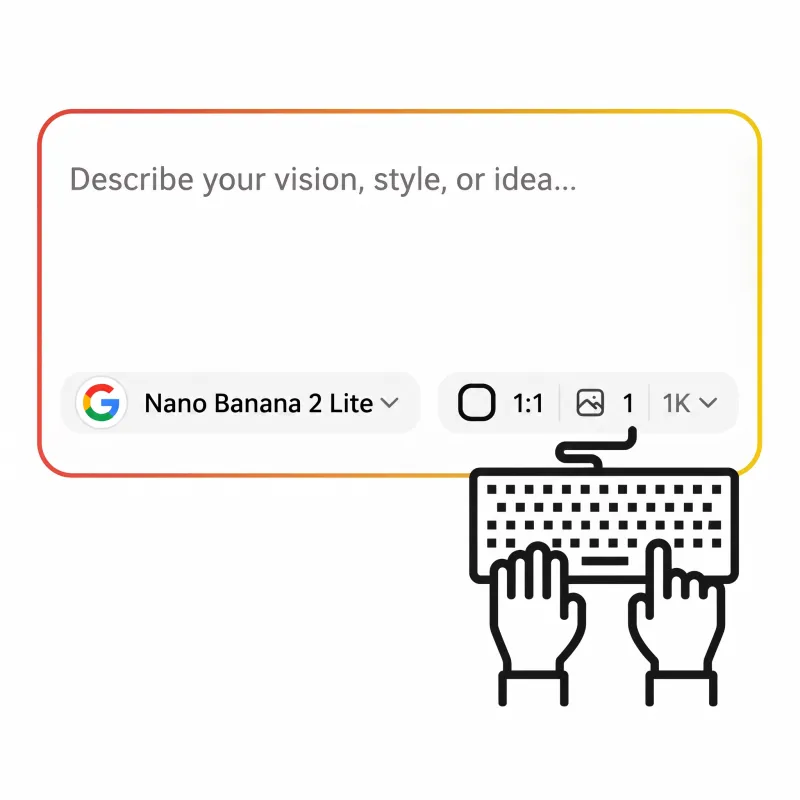
Step 2: Describe the new background
Type the backdrop you want: white for a listing, a sunlit café, a studio gradient. To replace the background with AI and keep the subject true to the original, attach up to 5 reference images of the same face or product. The AI reads them as the source of truth and repaints the scene around the subject.

Step 3: Download the result
Each generation returns 1 to 4 images. Compare the takes, keep the one where the light lands best, and save it watermark-free. No account stands between you and the file.
See the AI Photo Background Changer at Work
Four directions an AI background changer can take one photo: pure white for listings, a generated scene, a solid color, a portrait blur. Only the world behind the subject changes.
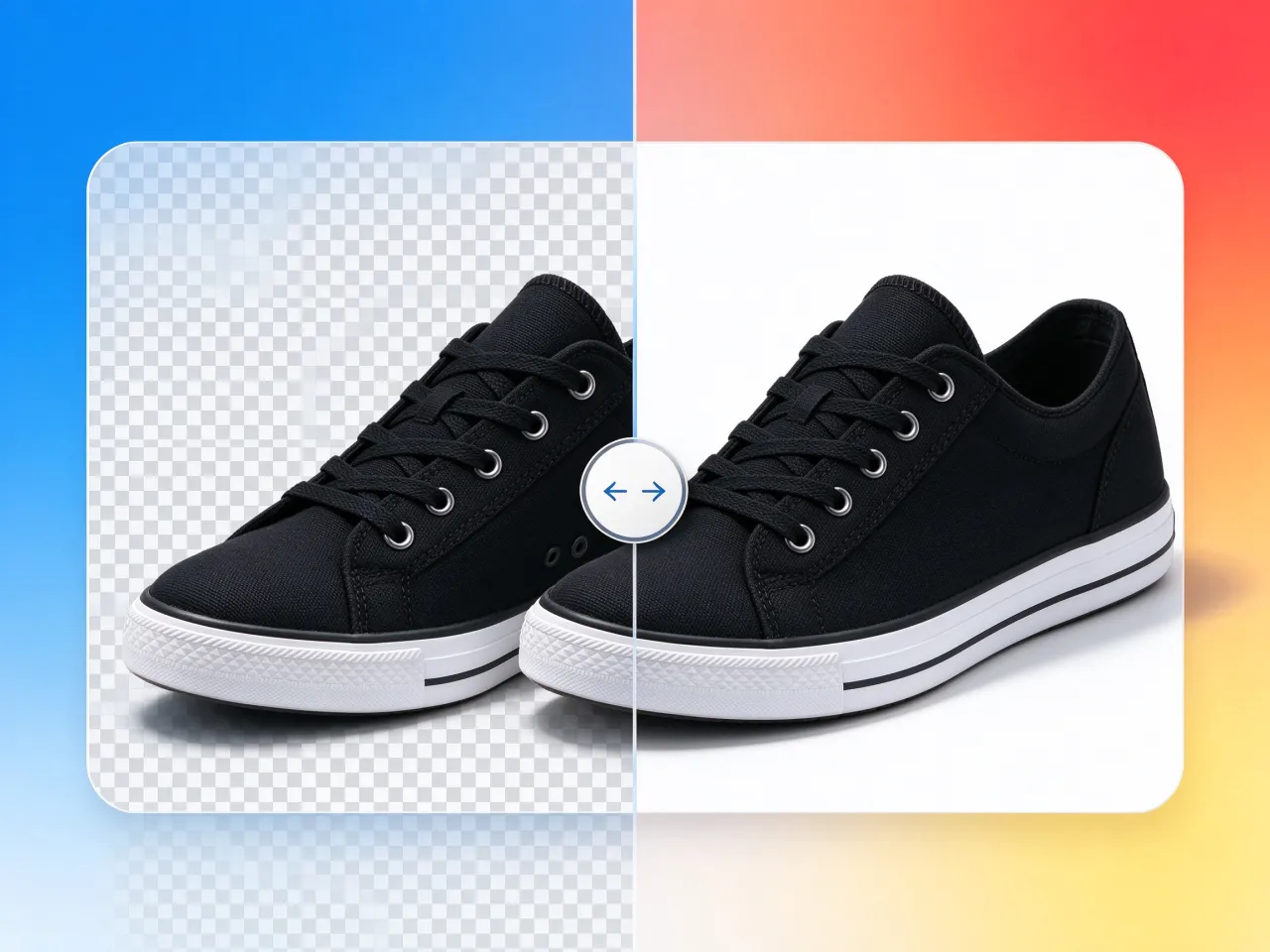
Change the background to white for listings
The everyday job for an AI background changer for product photos: a sneaker steps off the transparent checkerboard onto pure white, the backdrop that marketplace listings expect. Shape, color, and stitching carry over untouched.
On the Roadmap: A One-Click Background Changer
Prompt-based changing works today in the editor. The dedicated one-click panel for this page is what comes next.
The next step: one-click changing
Upload a photo, pick the new background, press the button. That is where this AI background changer is headed. Until the panel ships, every background change runs through the prompt editor, which does the same job one sentence at a time. This page gets the tool the day it ships.
After You Replace the Background with AI
Three doors from a finished edit: a cutout, a cleanup, or the next change.

Need the subject on transparency?
When the goal is no background at all, cut the subject out on the remover page. One click gives you a cutout in under 10 seconds, ready for marketplaces and design files.
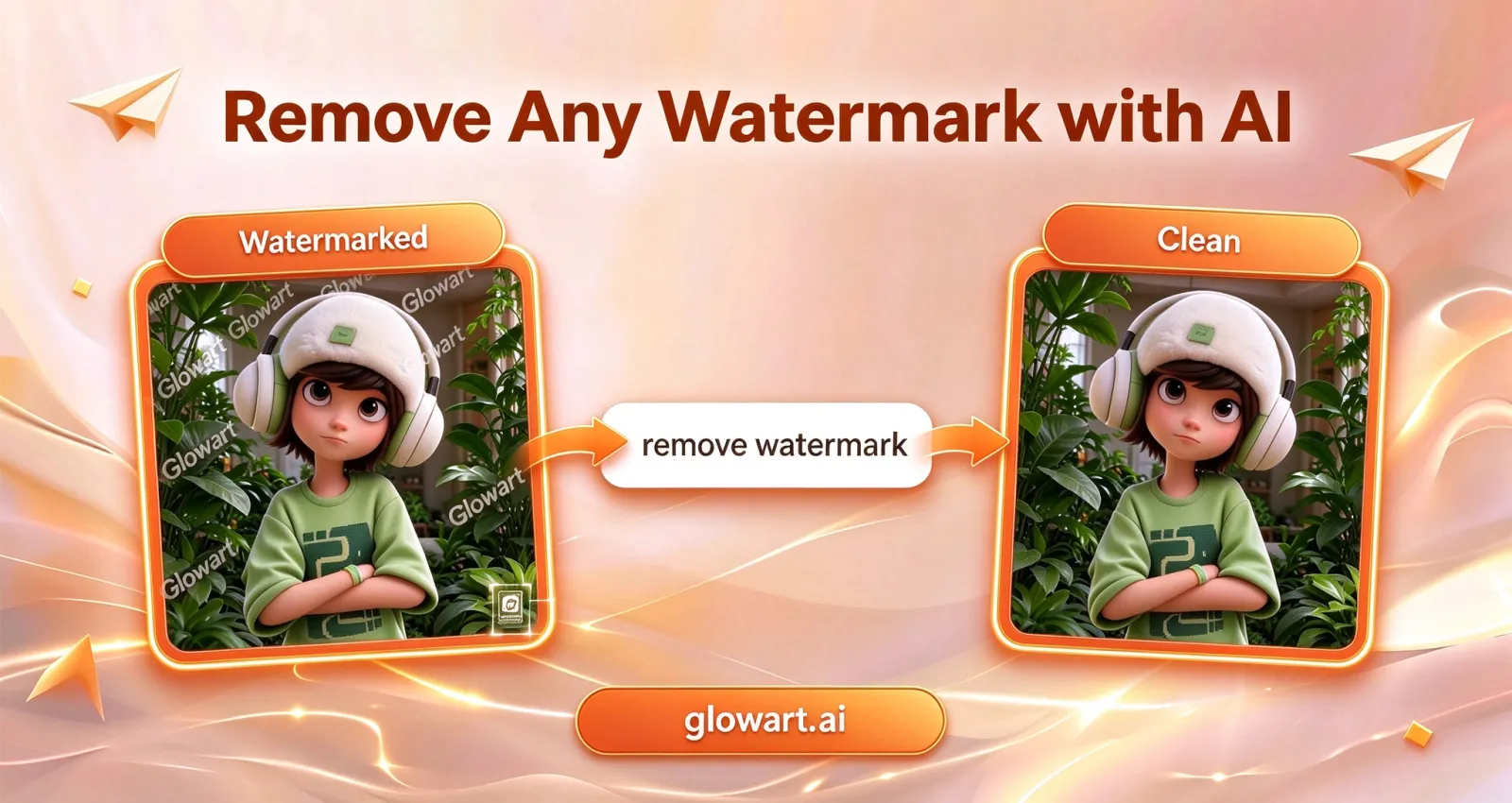
Clean the photo first
A stamp or a logo can spoil an otherwise good shot. Erase watermarks, logos, and date stamps before the swap, so the new backdrop starts spotless.
Open the editor
Every background change on this page runs in the prompt-based AI photo editor. Upload the photo, describe the new backdrop, attach references, and download the result watermark-free.
What Makes This Background Changer Different
Two clear jobs, a subject that survives the edit, and no login standing in the way.
Two background jobs, two tools
A new backdrop behind an intact subject is changing, and it happens here. A subject cut out to transparency is removal, and the remover page does that in one click.
Faces and products stay as shot
The fear with AI edits: the subject drifts while the background moves. Attach up to 5 reference images of the person or product, and the AI holds the subject fixed and repaints what surrounds it. The face that goes in is the face that comes out.
Free daily credits, no login, no watermark
Free credits refresh every day, and you don't need an account to start. Downloads carry no watermark, so nothing marks the file as free-tool output. An account is optional: it saves your history and unlocks more credits.
Any backdrop, in plain language
White for a marketplace listing, a studio scene for a hero shot, a soft blur for a portrait. Ask for realistic shadows and the AI adds them. If you can describe the background, you can try it.
Nothing to install
The editor runs in the browser, phone or desktop. No desktop suite, no plugins, no update prompt between you and a finished photo.
Up to four takes per generation
Every run returns 1 to 4 images, so backdrops compete: white against studio gray, café warmth against a clean gradient. Keep the take that sells and move on.
Change Your First Background Free
The AI background changer lives in the editor today. Open it, upload a photo, and describe the new backdrop in one sentence. Daily free credits cover the first changes, no sign-up, no watermark. Need the subject cut out instead? The remover page removes the background for a transparent PNG in one click.
Free daily creditsNo sign-upWatermark-free downloads
Common Questions About Changing Backgrounds with AI
Have another question? Contact us at support@glowart.ai