
AI Watermark Remover
Choose one or more
Drop in a photo and remove the watermark in seconds.
AI Watermark Remover
Upload a photo, press one button, and the mark comes off in seconds. This free AI watermark remover erases text, logos, and AI corner stamps from photos.
 Before
 After
AfterWhat an AI watermark remover erases, and how
A watermark remover finds the mark, clears those pixels, and rebuilds the surface underneath. The AI scans for text, logos, timestamps, and signatures. It also catches semi-transparent and diagonal overlays stretched across the whole frame. Captions and usernames come off in the same pass, so the tool doubles as a way to remove text from an image. Whatever the shape, the AI watermark remover works in three moves: detect, clear, reconstruct.
AI generators created a watermark class of their own. Sora 2, Veo, Gemini, and Meta AI stamp their output with a small corner mark. These sit on a clean synthetic image, not a licensed stock photo. A watermark remover built inside a generator knows the class first-hand. A Gemini image watermark or a Sora corner stamp comes off like any stock mark.
How to remove a watermark from a photo
Three steps, no lasso, no layers, no Photoshop.
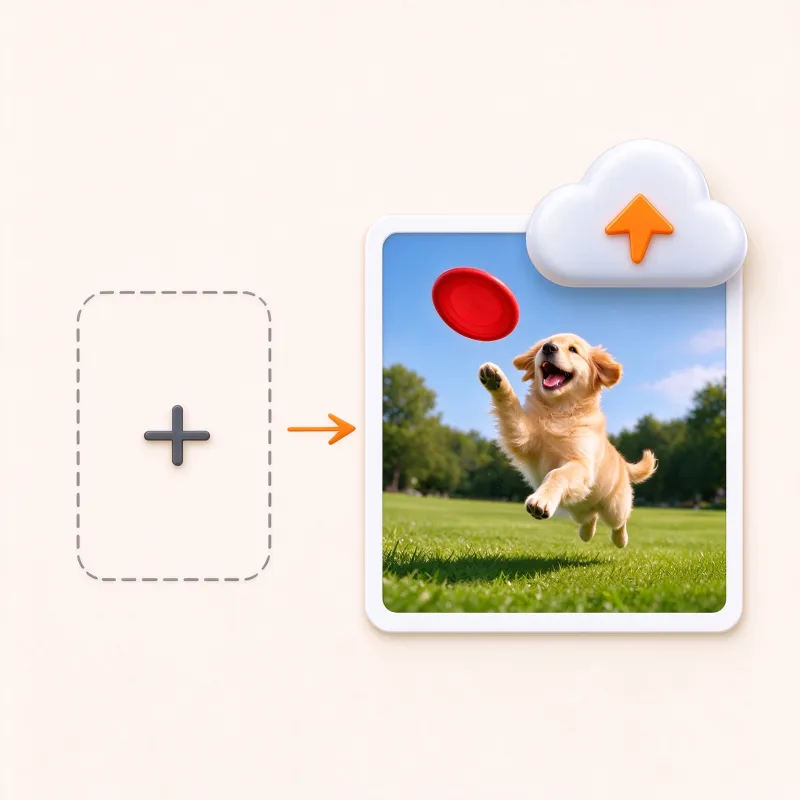
Step 1: Upload the photo
Drag the image in or pick a file. JPEG, PNG, and WebP up to 10 MB each. Free, with no sign-up required.
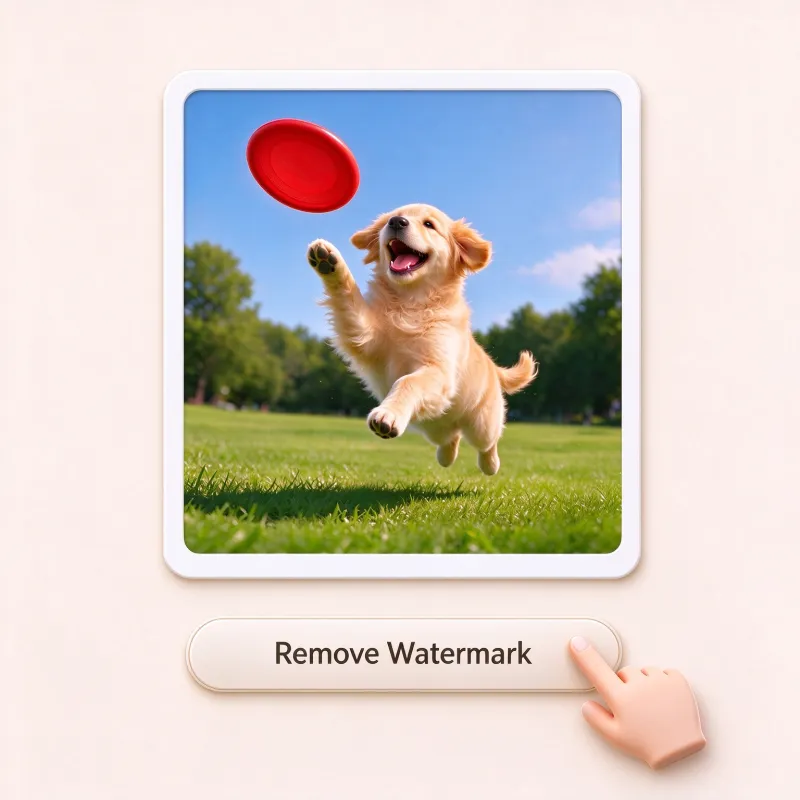
Step 2: Let AI find and erase the mark
The AI watermark remover locates the mark, whether it is a logo, text, or corner stamp, and clears it in one click. No box-drawing, no outlining.

Step 3: Download the clean image
Save the result in high resolution. The download is watermark-free, and your output never gets stamped here.
Watermark removal before and after, case by case
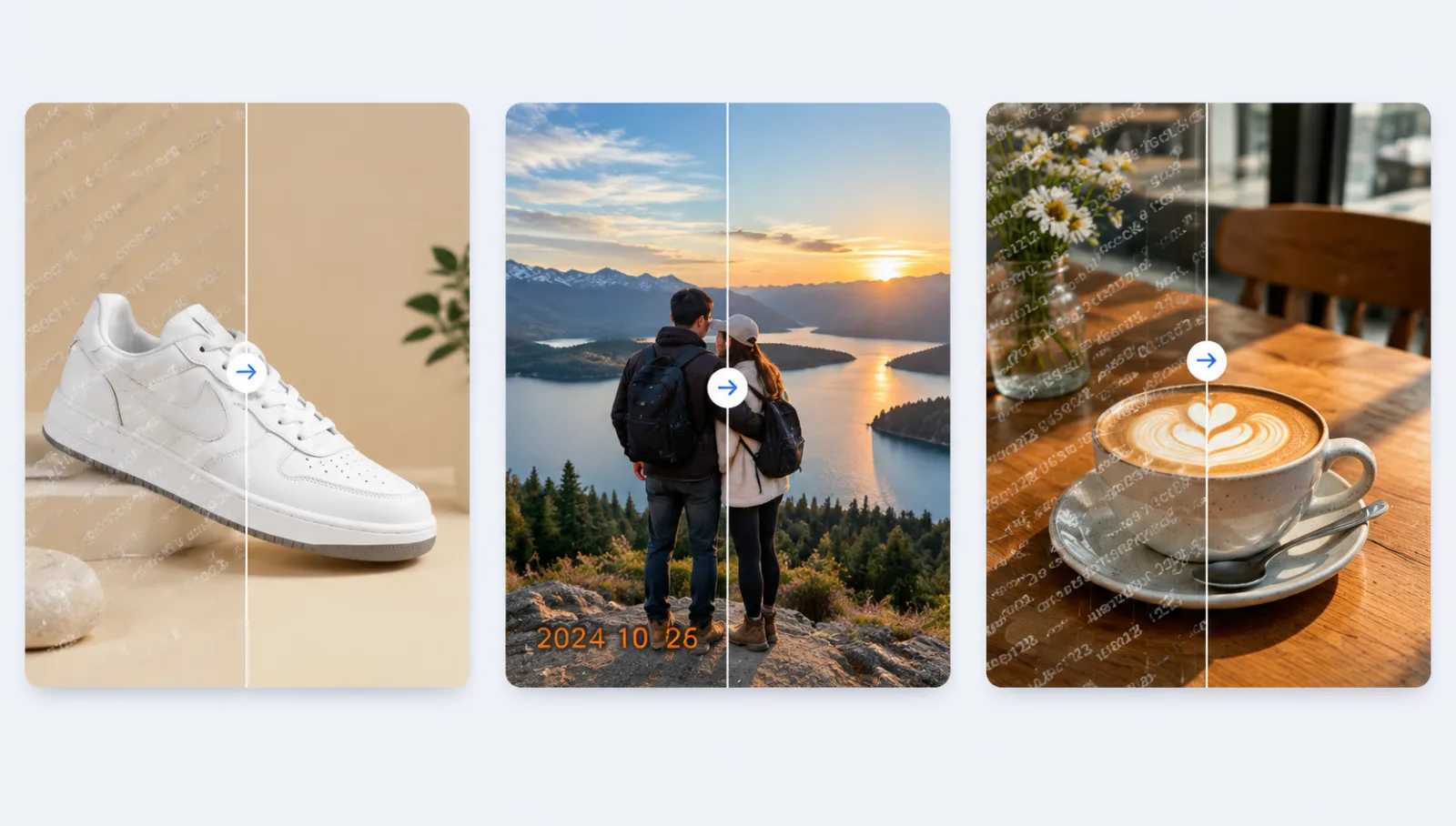
Drag each slider to compare before and after watermark removal.
 Before
 After
AfterStock-photo preview mark
Preview downloads carry a diagonal band or tiled logo across the frame. The AI watermark remover lifts the pattern out and rebuilds the scene.
Coming next: folders, videos, and stubborn marks
One photo at a time covers most jobs for this AI watermark remover. Folders, videos, and stubborn marks each get their own tool.
Batch removal for whole folders
Drop in a whole folder and batch removal cleans every file in one run. Each image gets the same one-by-one treatment: the AI finds each mark on its own, so a mixed folder of product shots, listings, and screenshots comes out clean without babysitting a queue. Catalog updates and photo dumps that used to eat an afternoon finish in one pass, and every download stays high resolution and watermark-free.
Video watermark removal, coming soon
Corner stamps drift and bounce as the footage plays, so the video edition will track them frame by frame, erase each one, and rebuild what sat behind it. Same one button, no timeline, no keyframes, no editor. Short-form clips, screen recordings, and reposts all fit, and a refine brush finishes any stray frame.
Once the watermark is gone: what to make next
The watermark remover is step one. The clean photo is starting material for a generator.
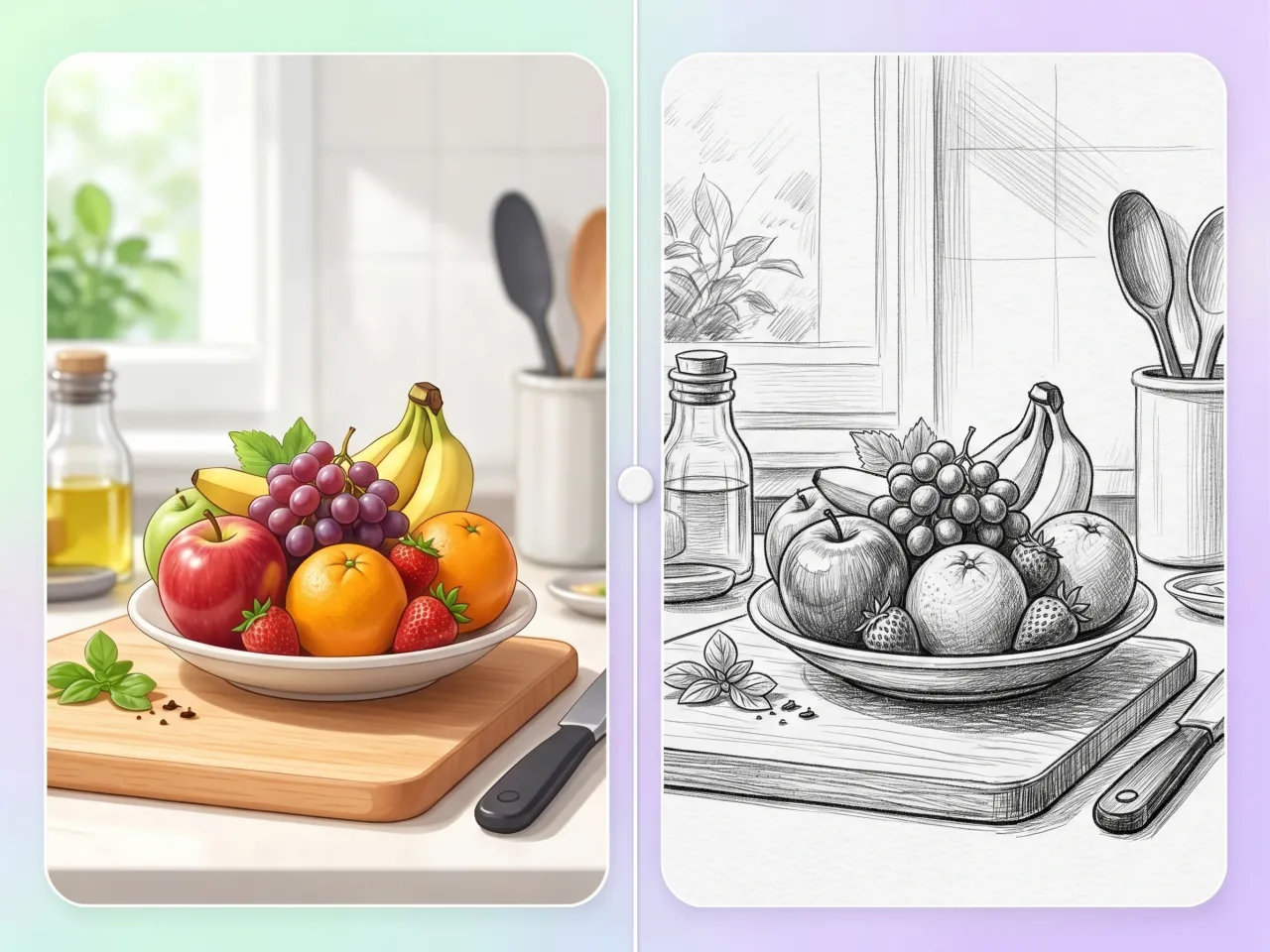
Regenerate it with AI
Feed the clean photo to the AI image generator and describe the change: new lighting, a new scene. Remove, then create. That loop is the point.
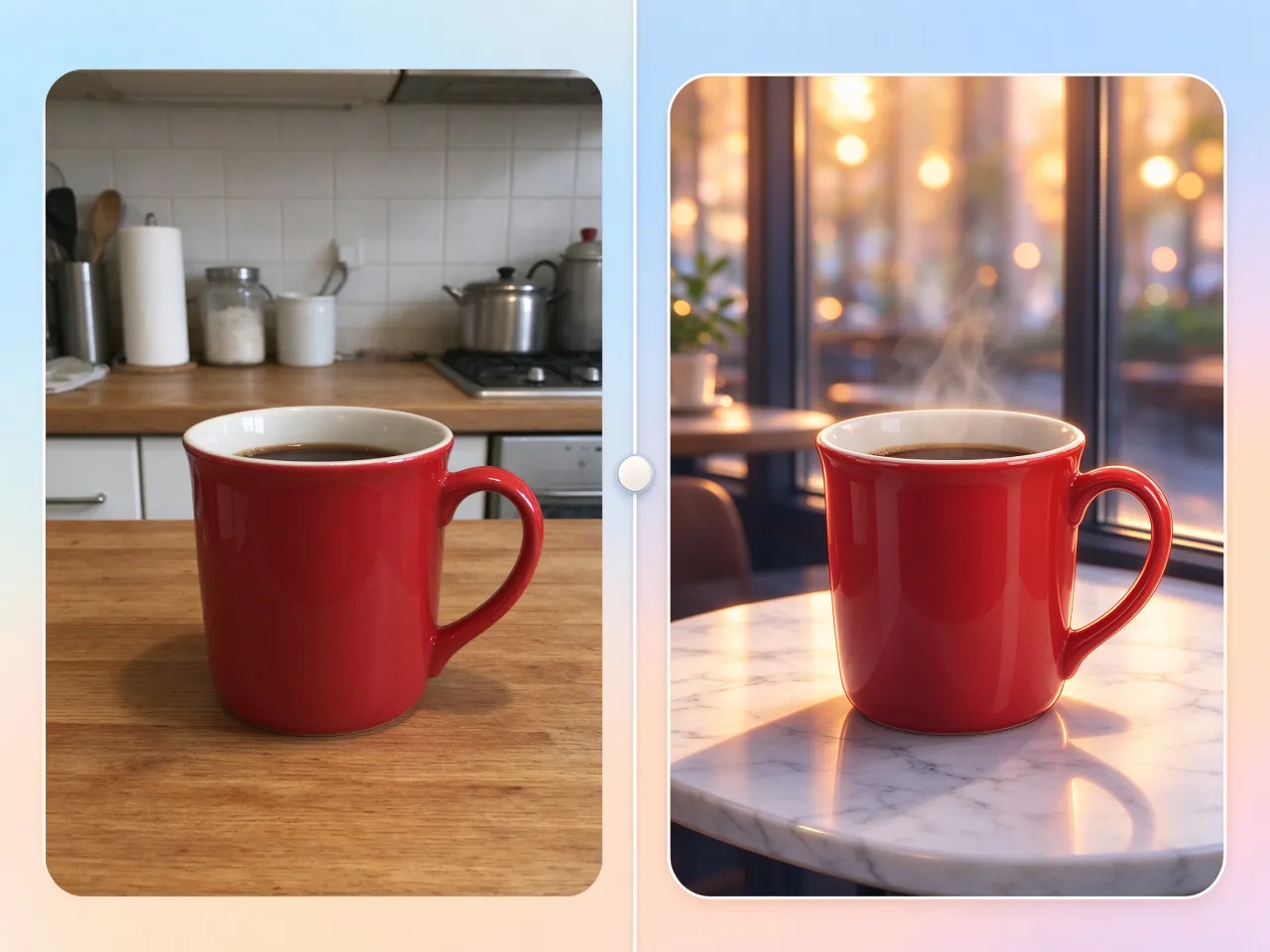
Swap in a new background
Product on a kitchen table? Remove the background from the same photo with the sibling tool, then set the cutout on a clean studio backdrop.

Browse the prompt gallery
Need an idea? The prompt gallery holds the prompts behind real generated images. Borrow one, tweak it to taste, and keep the watermark out.
What sets this watermark remover AI apart
Free credits daily, clean downloads, limits up front.
Free credits refresh daily
Fresh credits land every day for this free AI watermark remover. No credit card, no trial timer.
No sign-up, no credit card
Unwatermark a photo as a guest in a single pass. An account only adds saved history and credits.
Watermark-free high-res downloads
Clean output is not a paid perk here. Every download arrives in high resolution, with no blur, no smudge, and no new mark added.
Runs in your browser
No app, no install, nothing to configure. Open the page in any modern browser and start removing watermarks.
No skills, no Photoshop
You never touch a clone stamp or healing brush. It works like a magic eraser for photos: one upload and one button do all the work.
Limits stated up front
JPEG, PNG, and WebP up to 10 MB per image. That is the whole rulebook, and nothing changes afterward.
Remove watermarks in seconds, free
Upload a photo, press one button, and the AI watermark remover does the rest. Free daily credits, no sign-up. For volume, credit packs cover it.
Runs in your browserNo sign-upWatermark-free download
AI watermark remover FAQs
Have another question? Contact us at support@glowart.ai