
AI Background Remover
AI Background Remover
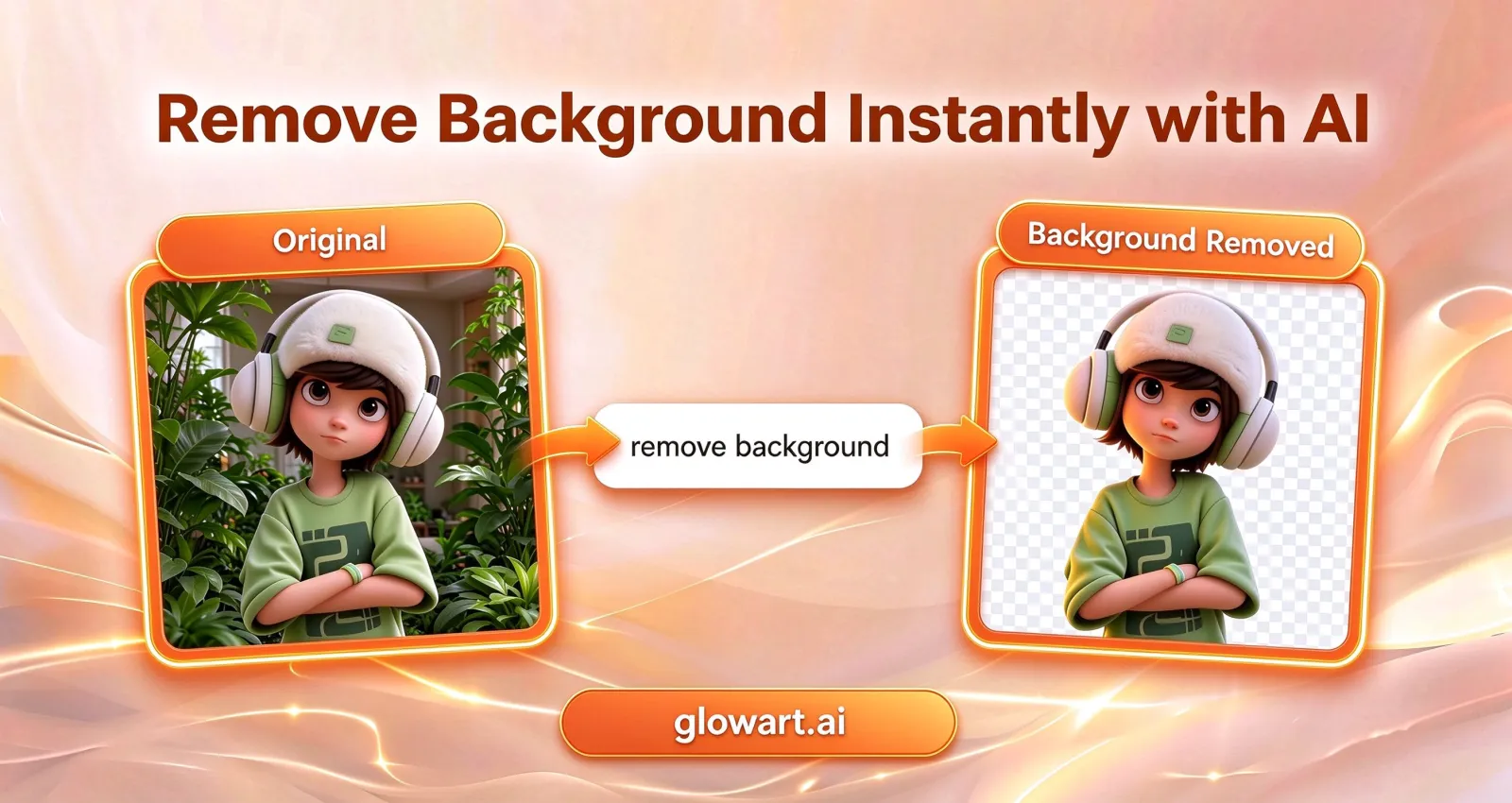
A free background remover with one button: upload a photo, and the AI cuts out your subject in under 10 seconds. The download is a clean, watermark-free transparent PNG.
 Before
 After
AfterWhat Is an AI Background Remover?
An AI background remover finds the subject in a photo and cuts it away from everything behind it. Upload a picture, and the model separates people, products, and pets from the scene. It holds the fine edges, down to single strands of hair. As an online background remover, it runs the whole job in your browser, with nothing to install. Remove.bg, the site that started this category, shuts down in December 2026 as it merges into Canva.
You do not write a prompt or pick a model. GlowArt tunes both for this one job. The job goes by different names — background eraser, delete background, image cutout — and the same upload covers them all. Press the button and get a watermark-free cutout in under 10 seconds. From there you can continue in the full GlowArt AI photo editor.
Remove Background from an Image: 3 Steps
Three steps in the AI background remover. No pen tool, no masks, no tutorial videos.
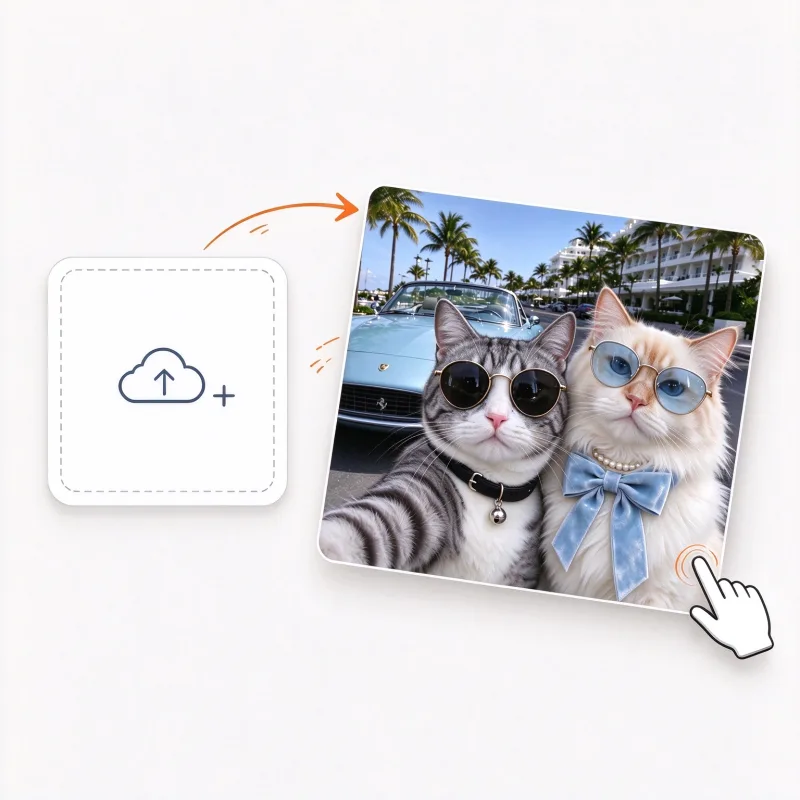
Step 1: Upload your photo
Drag a photo into the box, or pick one from your device. JPG, PNG, and WebP files up to 10 MB all work — plenty for an everyday photo. It opens straight in your browser. Nothing to install, and no account needed to try.
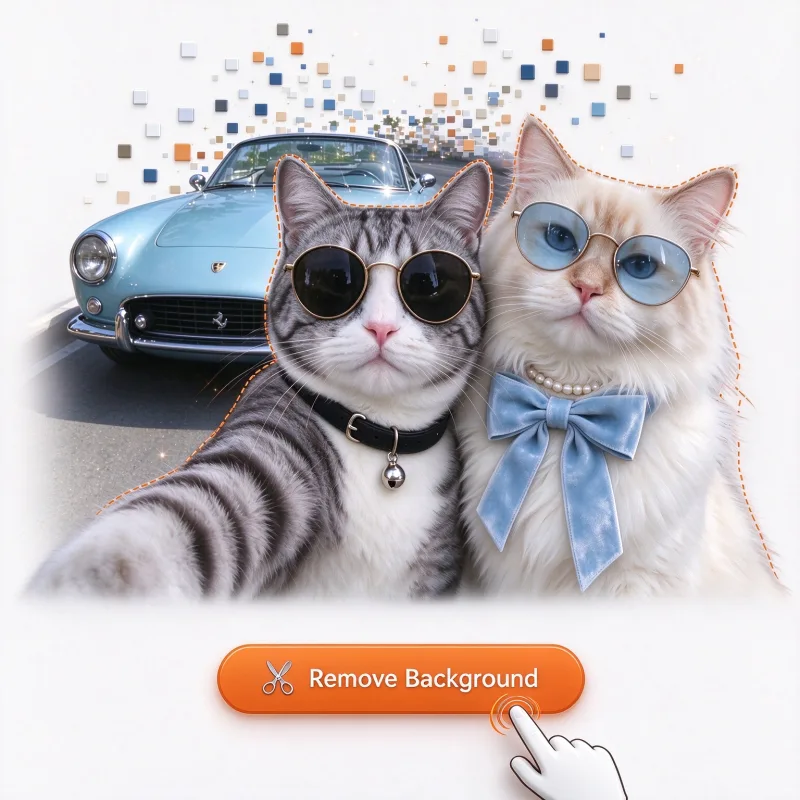
Step 2: Press Remove Background
No prompt to write. No model to pick. One click, and the AI finds your subject and cuts it out. Hair and fur edges survive the cut. Most results come back in under 10 seconds.
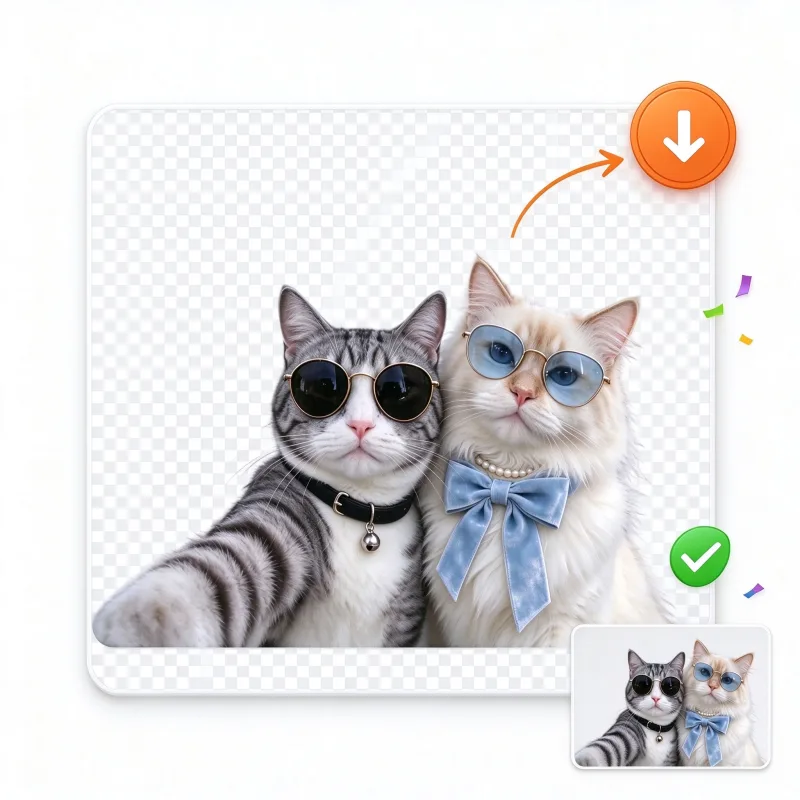
Step 3: Download a Transparent Background PNG
Save the watermark-free cutout in high resolution, set it on a solid color, or drop it into a brand-new AI scene.
AI Background Remover Examples: Before and After
See how the AI background remover handles different types of photos — people, products, pets, and more. Drag the slider to compare each before and after.
 BeforeAfter
People and portraits
From a work headshot to a profile picture for social, flyaway strands stay soft. The cutout reads as a portrait, not a sticker with a hard halo.
Coming to the Background Remover: Batch and Video
The same AI that cuts out a single photo takes on bigger jobs: whole catalogs cut to transparent backgrounds in one batch, whole videos frame by frame.
Clear your whole catalog with batch background removal
Drop in a whole folder and the batch remover strips every background in a single run. Edges stay clean even around hair, fur, jewelry chains, and small product details. The quality of single-photo removal holds at any scale. Every photo comes out with the same sizing and padding. You get uniform, marketplace-ready PNGs for Amazon, eBay, Shopify, and Etsy. No more one-by-one editing. No more repetitive pen-tool work. Refresh a seasonal catalog or prepare an entire store launch. Hours of retouching shrink to minutes. Download the finished set as a single ZIP. Every image is consistent enough to pass marketplace photo requirements the first time.

Video background removal without a green screen
No green screen. No desktop editing suite. No plugins. Upload an MP4 and the AI traces your subject across every frame. The cutout stays locked on through fast motion, camera shake, and changing light. Layer the results over new backgrounds, slides, or branded colors. Make talking-head clips for Reels and TikToks. Lay course recordings over presentation slides. Show product demos in motion. Add intros that pop against any backdrop. This used to take a studio setup or After Effects. No masks to refine by hand. Now it runs in the browser and finishes in minutes. Edges stay clean frame after frame. Publish wherever your audience scrolls.
What to Do After You Remove the Background
The background remover has done its work - now pick the finish. Keep the PNG transparent, make it a sticker, go pure white, try a solid color or a soft blur, or have AI paint a whole new scene.

Save it on a transparent background
The alpha channel survives the download, so the cutout sits cleanly over any layout - no white box, no flattening. Slide decks, websites, and design tools take the file as-is.
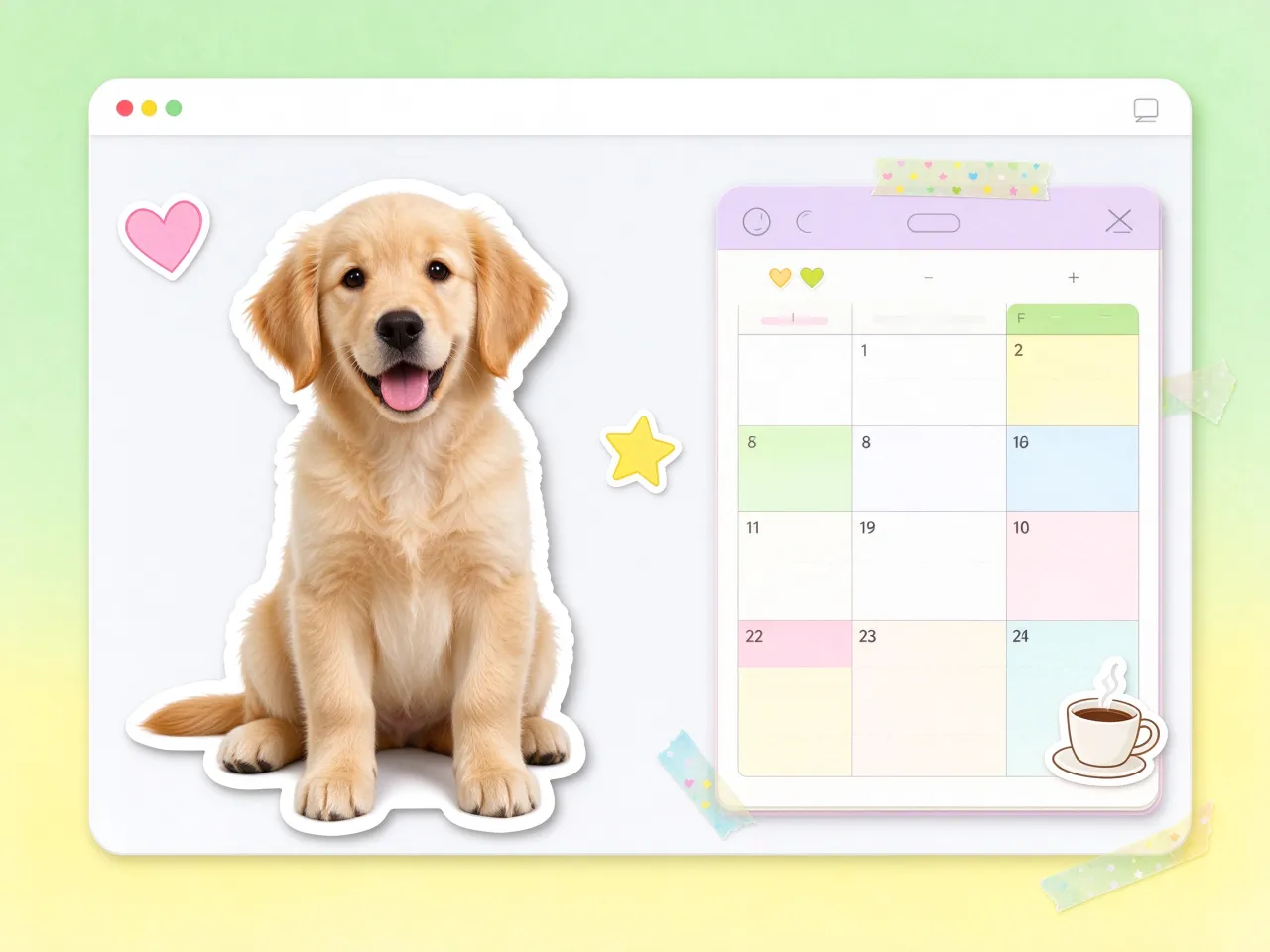
Free sticker maker for any photo
A cutout is a sticker waiting to happen. Save your subject as a transparent PNG and drop it into WhatsApp, Telegram, a digital planner, or a merch mockup.
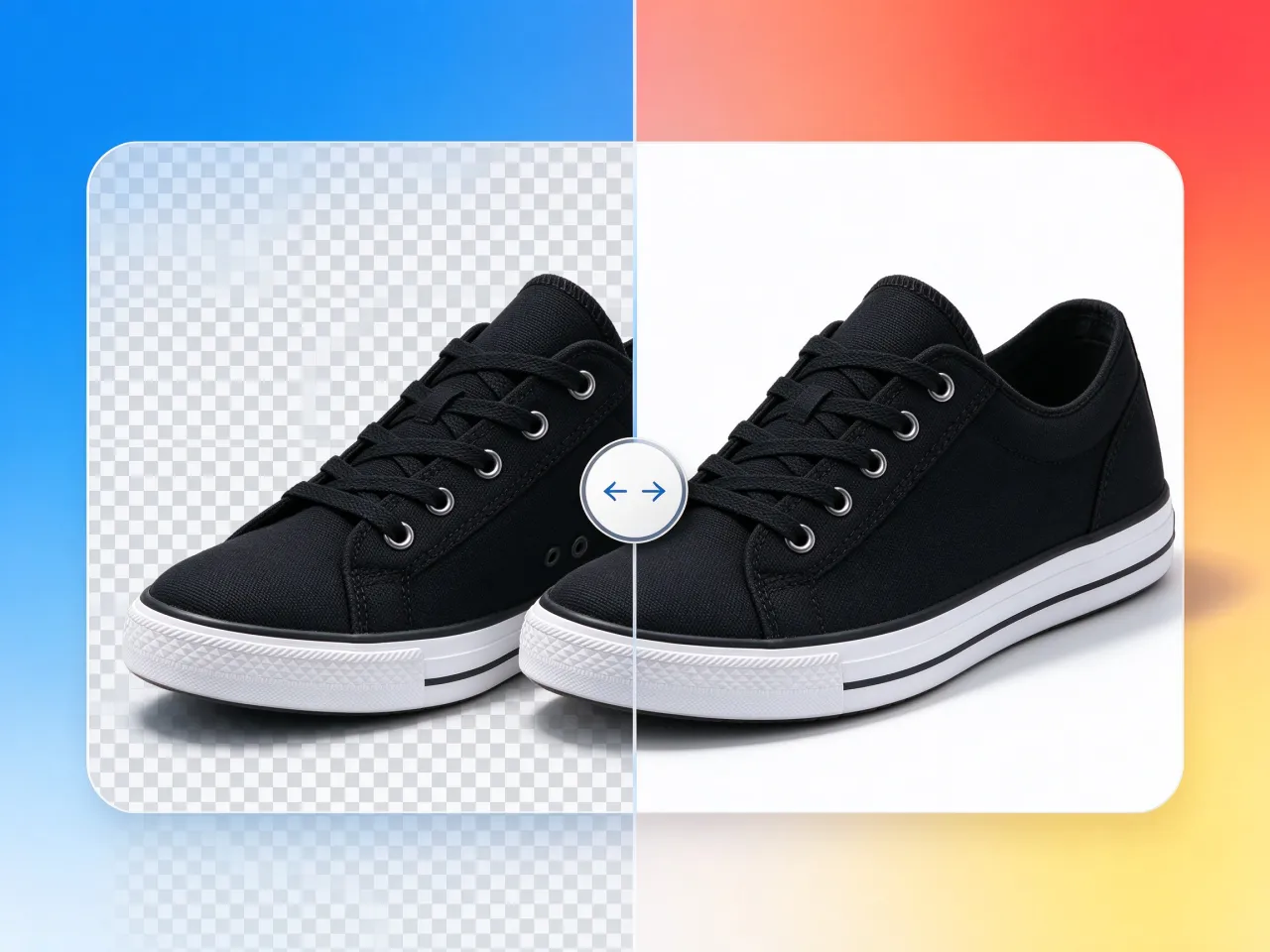
Put it on a pure white background
Marketplace listings and ID photos ask for plain white, and pure white sells. Rest the cutout on a bright white canvas and the shot is listing-ready without a studio.
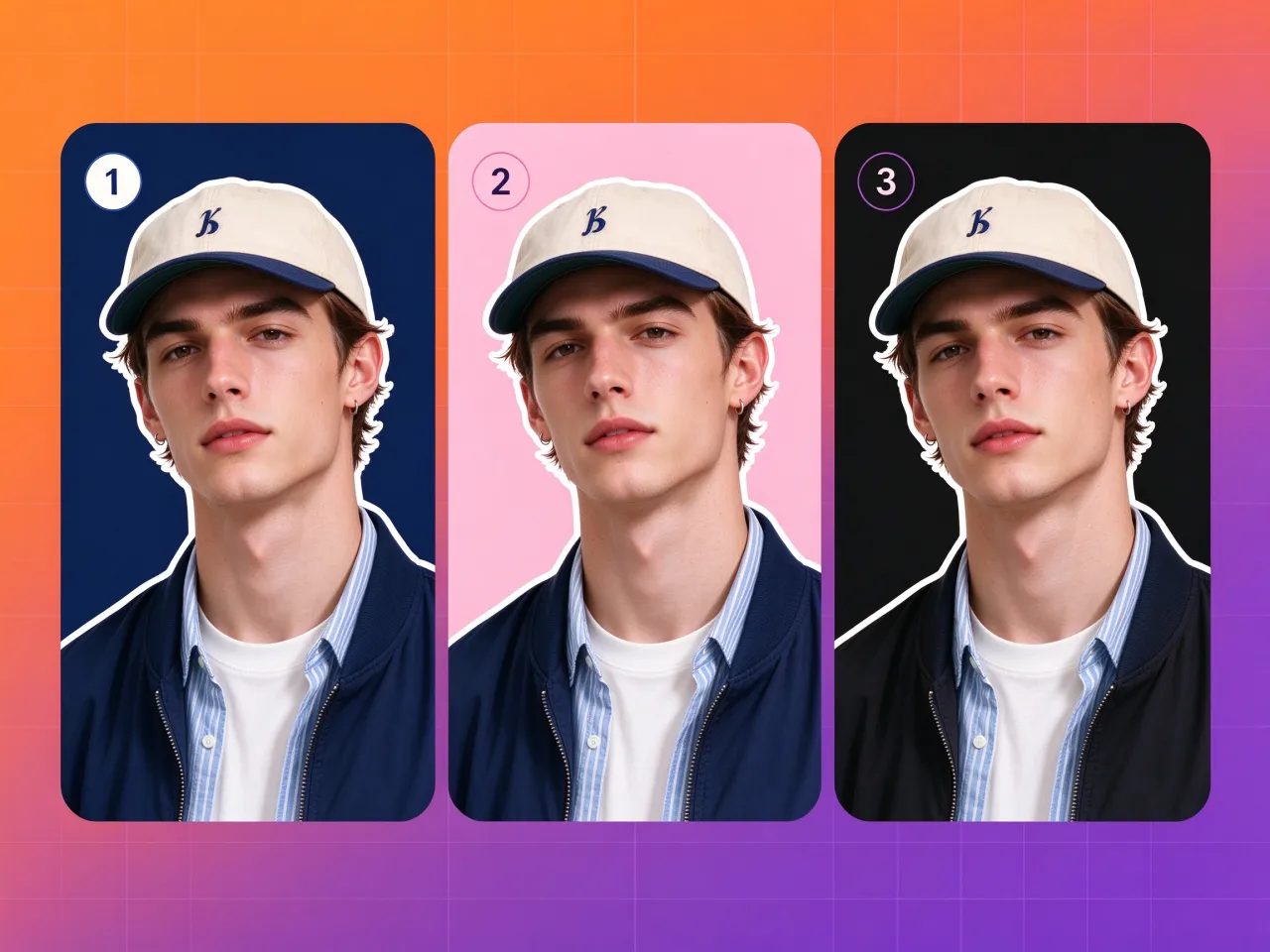
Change the background color to any solid shade
Brand navy for the banner, pastel pink for the lifestyle post, black for the moody portrait. Pick a solid color background and the cutout moves onto it while your subject stays sharp.

Blur background, keep the subject sharp
A blurred backdrop adds the depth of a wide-aperture portrait without touching the camera. Have the scene painted back in soft focus so every eye lands on the subject.

AI background generator: describe any scene
Skip the stock library. Describe the setting - a marble podium, a sunlit cafe, a studio gradient - and the AI paints a fresh background behind your cutout in one step.
Why Choose This Background Remover
Cutouts that survive a zoom, free credits every day, nothing to install.
Hair and fur edges that hold up
This background remover traces flyaway strands, pet fur, and soft edges that defeat the pen tool. Your cutout reads as a photo, not a sticker.
Complex edges, cut clean
The AI finds the subject first. Gaps inside it, like chair backs, glasses, lace, and bike spokes, stay open instead of filling in.
One click to a transparent PNG
A cutout with a real alpha channel, ready for marketplaces, slide decks, and layered designs. This bg remover keeps the transparency intact — no flattening, no watermark.
Free to try, no watermark, no sign-up
Free credits refresh every day. Downloads stay watermark-free, and an account is optional. Signing up simply saves your history and unlocks more credits and perks.
Runs in any browser
No app, no install. This online background remover runs in mobile Safari and Chrome. Start on your phone during a commute and finish on your desktop between listings — the workflow is the same.
Safe for commercial projects
Commercial use comes standard. Put the results in product listings, ads, and client work. Cutouts download in high resolution, ready for professional layouts.
Remove Your First Background for Free
Upload a photo, press one button, and download a clean transparent PNG in under 10 seconds. Free daily credits handle your first cutouts — no sign-up, no credit card. If volume picks up, paid credit packs cover the rest.
Transparent PNGNo sign-upRuns in your browser
AI Background Remover Questions, Answered
Straight answers about the AI background remover before your first cutout.